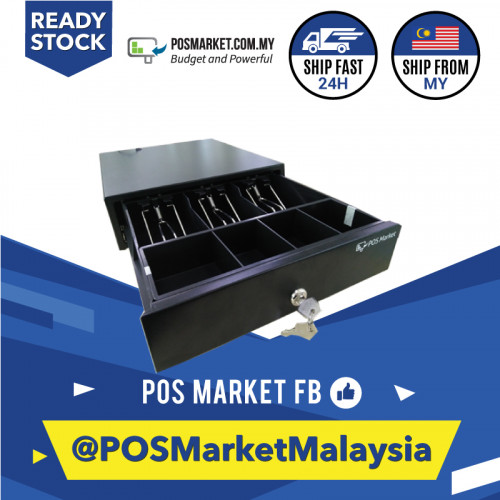
RM105
Mini Cash Drawer with 3 Segments
Compact drawer for small counters, pop-up booths and businesses with limited cash handling space.
- 3 cash segments
- Compact counter footprint
- Suitable for small shop counters

Select compact, heavy duty or flip-top cash drawers, then connect them to a POS receipt printer or USB trigger depending on your counter setup.
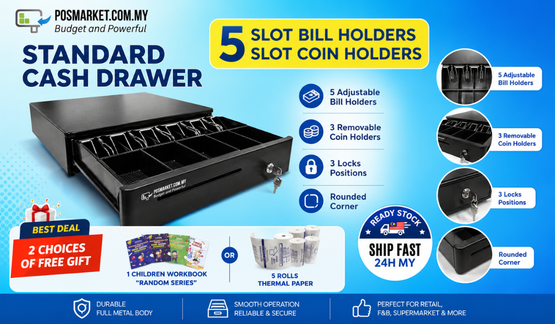
These items come from the existing POSMarket hardware source catalog, with real product photos and current listed prices from the source page.
Compact drawer for small counters, pop-up booths and businesses with limited cash handling space.
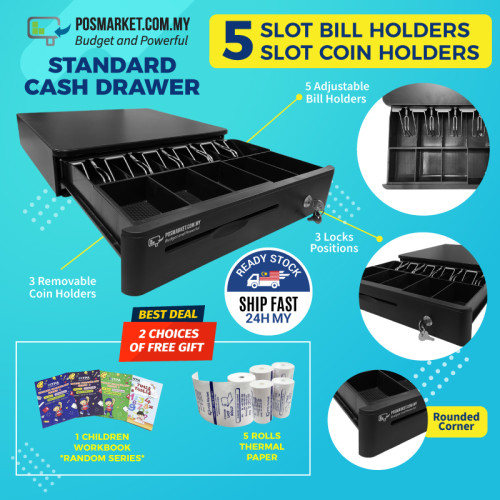
Stronger cash drawer for daily cashier use in retail and F&B counters.
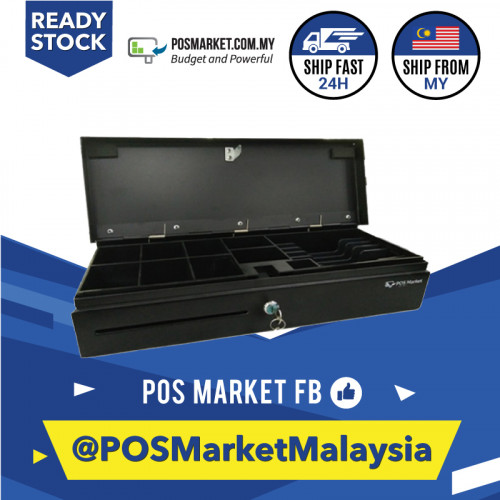
Flip-top cash drawer for counters where front-pull drawers are less practical.
-1-600x600-500x500.jpg)
USB trigger accessory for cash drawer opening where the setup needs direct USB control.
Select compact, heavy duty or flip-top cash drawers, then connect them to a POS receipt printer or USB trigger depending on your counter setup.
Confirm USB, LAN, WiFi, RS232 or drawer trigger requirements before ordering.
Match the device to BMO POS, POS Web, queue system or existing cashier workflow.
For bundles, POSMarket can advise the combination that fits your counter layout.
Tell us your shop type, number of counters and whether you need POS Web, offline POS, hybrid sync, e-Invoice, QR ordering or queue management. We can recommend the right hardware combination.