Local Operation
The cashier terminal, receipt printer, scanner and cash drawer are installed for daily outlet use.

Offline POS runs the core cashier operation on your local POS terminal and hardware. POSMarket’s conventional BMO POS system is built for full counter setup, one-time payment, and many industries that prefer local control before adding cloud or hybrid sync.
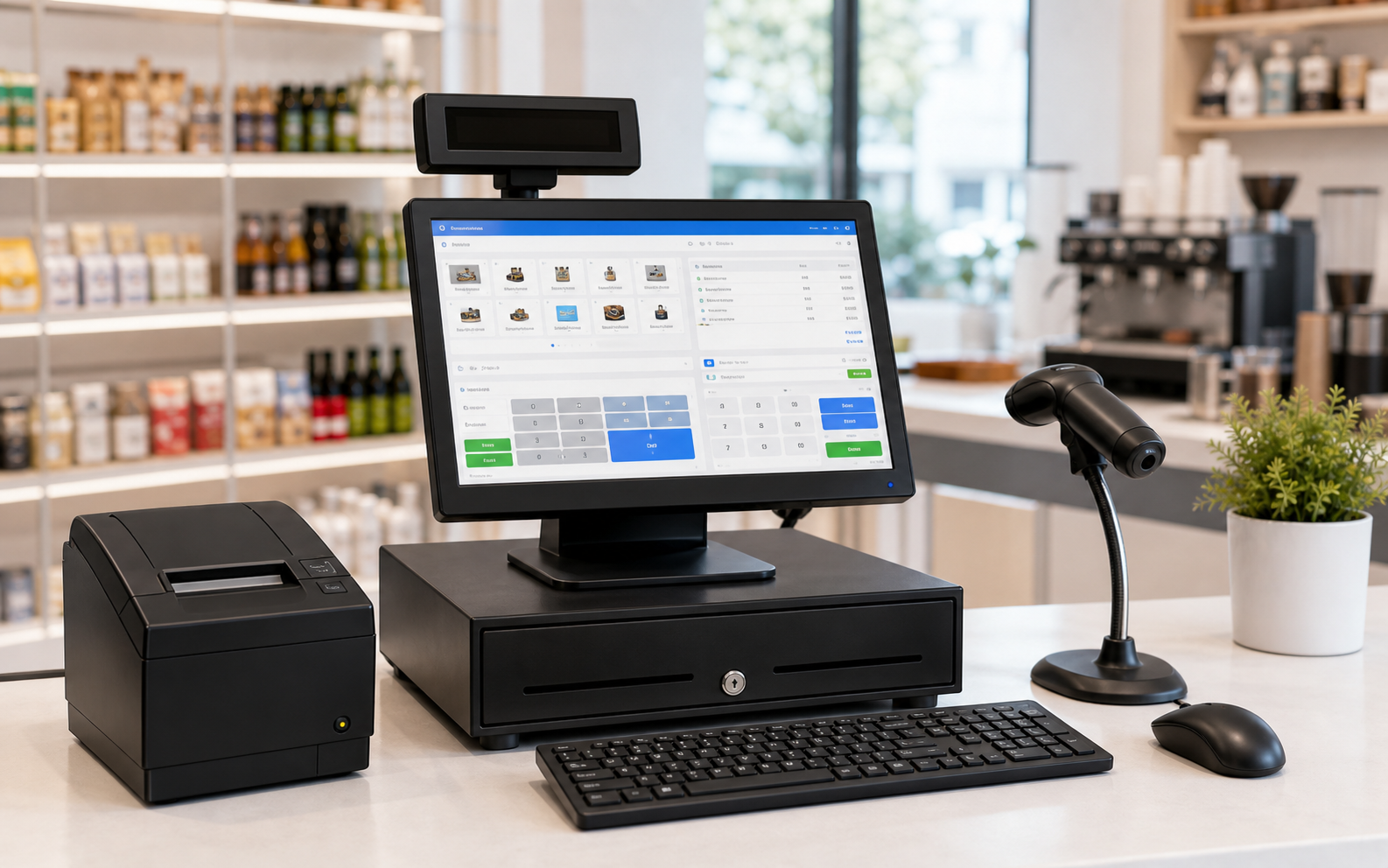
An offline POS keeps day-to-day cashier functions on a local POS machine. It is chosen by shops that want dependable counter operation, physical hardware, and a predictable purchase model.
The cashier terminal, receipt printer, scanner and cash drawer are installed for daily outlet use.
Core selling can be designed around local terminal operation, useful for locations with unstable internet.
Offline BMO POS supports a one-time payment scheme for businesses that do not want monthly cloud fees.
Best for businesses that want a complete physical counter setup with standard POS devices.
This is the classic BMO POS setup: POS software plus the counter hardware your cashier needs. Cloud or hybrid features can be added later if the business needs online reporting or branch sync.
A full counter POS bundle for shops that want local operation and one-time payment. It fits retail, F&B, mini mart, workshop, optical, pharmacy, fresh market, wholesale and service counters.
Hybrid POS keeps the local POS behavior but adds cloud sync. Sync can happen when the POS is vacant, so the outlet can work locally while still sending data for cloud visibility when the system is free.
Many POS buyers still value an installed system because the outlet depends on hardware speed, cashier familiarity, and predictable cost. Offline POS is especially sensible when internet quality varies or the business wants to avoid recurring cloud fees.
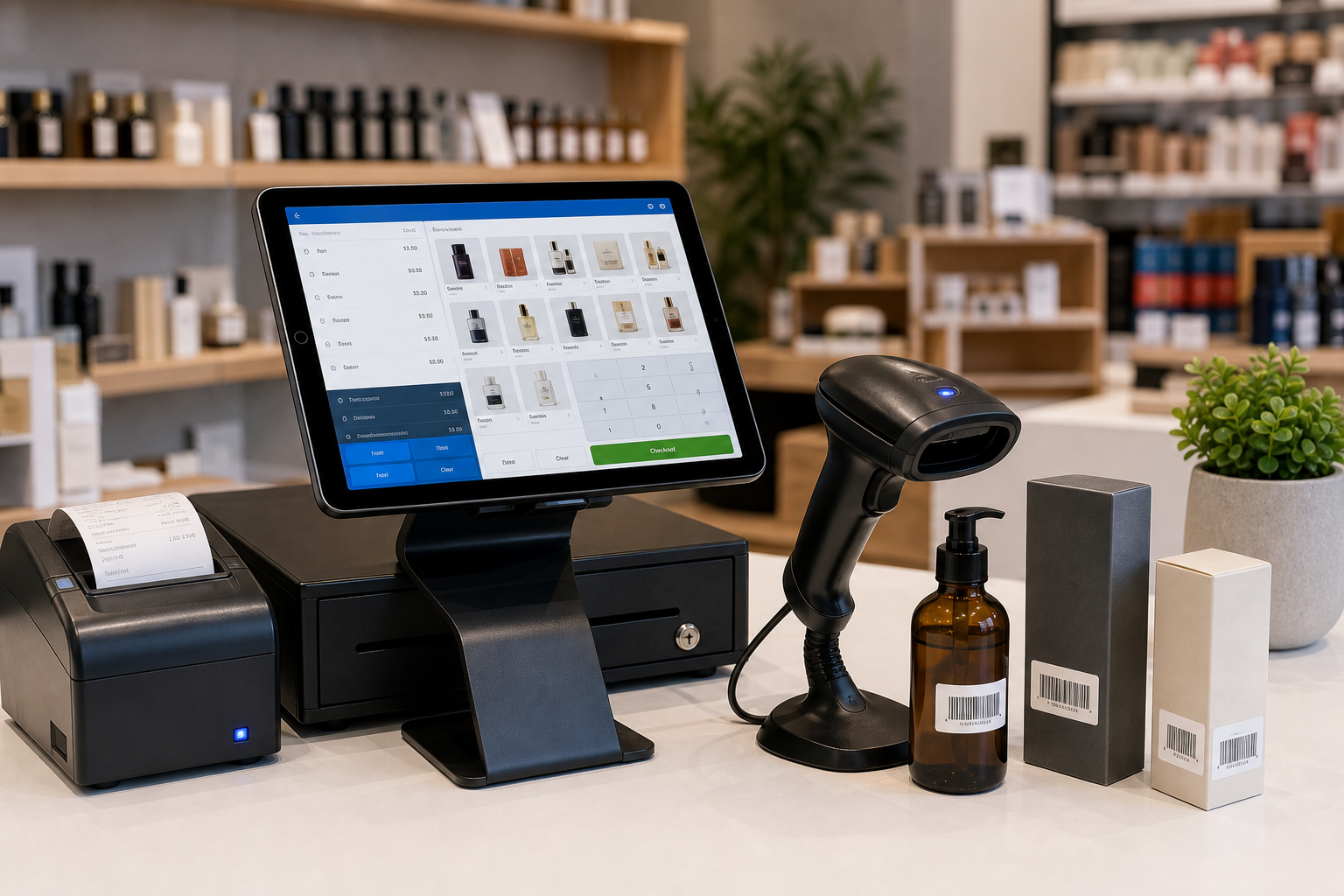
Start from your counter requirement first. Then decide whether you need cloud access immediately or later.
Choose offline BMO POS when you want a conventional POS package without monthly cloud subscription.
Choose offline POS for monitor, printer, scanner, cash drawer and other counter devices.
Choose Hybrid POS when you want local POS operation plus cloud sync when the system is vacant.
Choose POS Web when you want browser POS, no local database setup, QR ordering and cloud-first operation.
Offline POS is useful wherever the counter needs fixed hardware, receipt printing, barcode or payment workflow, and staff-friendly cashier operation.
Use scanner, receipt printer, cash drawer, inventory control, membership and daily reports.
Use cashier screen, receipt status, item options, item sets, kitchen printer and payment workflows.
Handle product lookup, barcode checkout, price control and end-of-day reporting.
Support job, invoice and customer workflows with a fixed counter POS setup.
Manage products, customer records, inventory and receipt workflows from a local terminal.
Use POS hardware and supported barcode or weighing workflows for market counters.
For a simple counter setup, choose the offline package with one-time payment. If the business later needs branch visibility or online reporting, add monthly hybrid/cloud sync or move to POS Web.