Central Client Access
Keep customer details, contact history and useful notes accessible from Online BMO.

Online BMO CRM gives your team a central place to access client data, group customers, create reminders, prepare quotations and turn customer history into practical marketing follow-up.
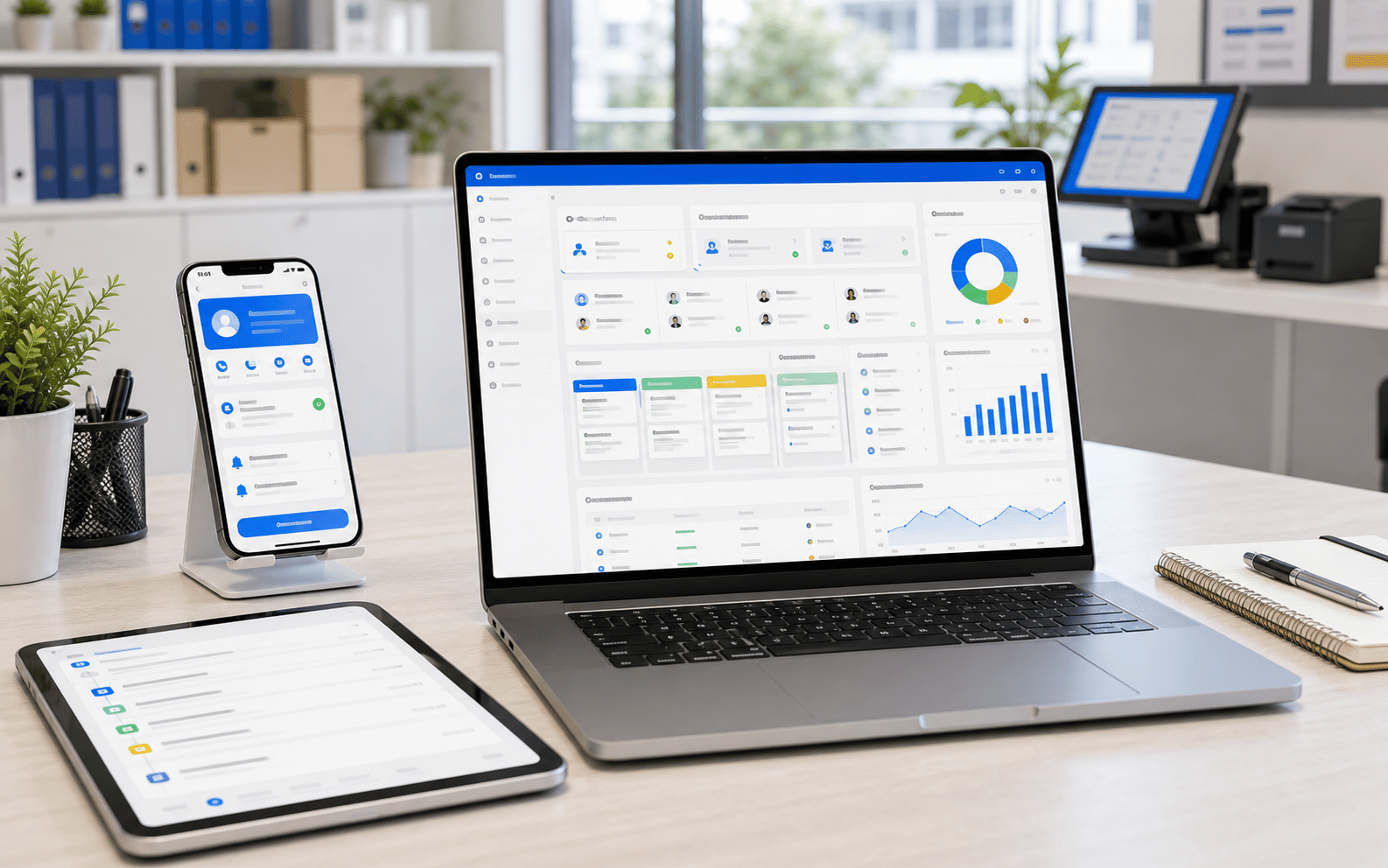
A useful CRM should do more than store names. It should help you understand who your customers are, what they bought, and what the next follow-up should be.
Keep customer details, contact history and useful notes accessible from Online BMO.
Review customer patterns and group customers by interest, value, activity or follow-up need.
Use grouped customers to plan more relevant SMS, WhatsApp, email or sales follow-up campaigns.
Create quotations for customers and keep sales follow-up connected to the customer profile.
Better marketing starts with cleaner groups. Online BMO CRM can help you organise customers so promotions and sales follow-up are aimed at the right people instead of everyone.
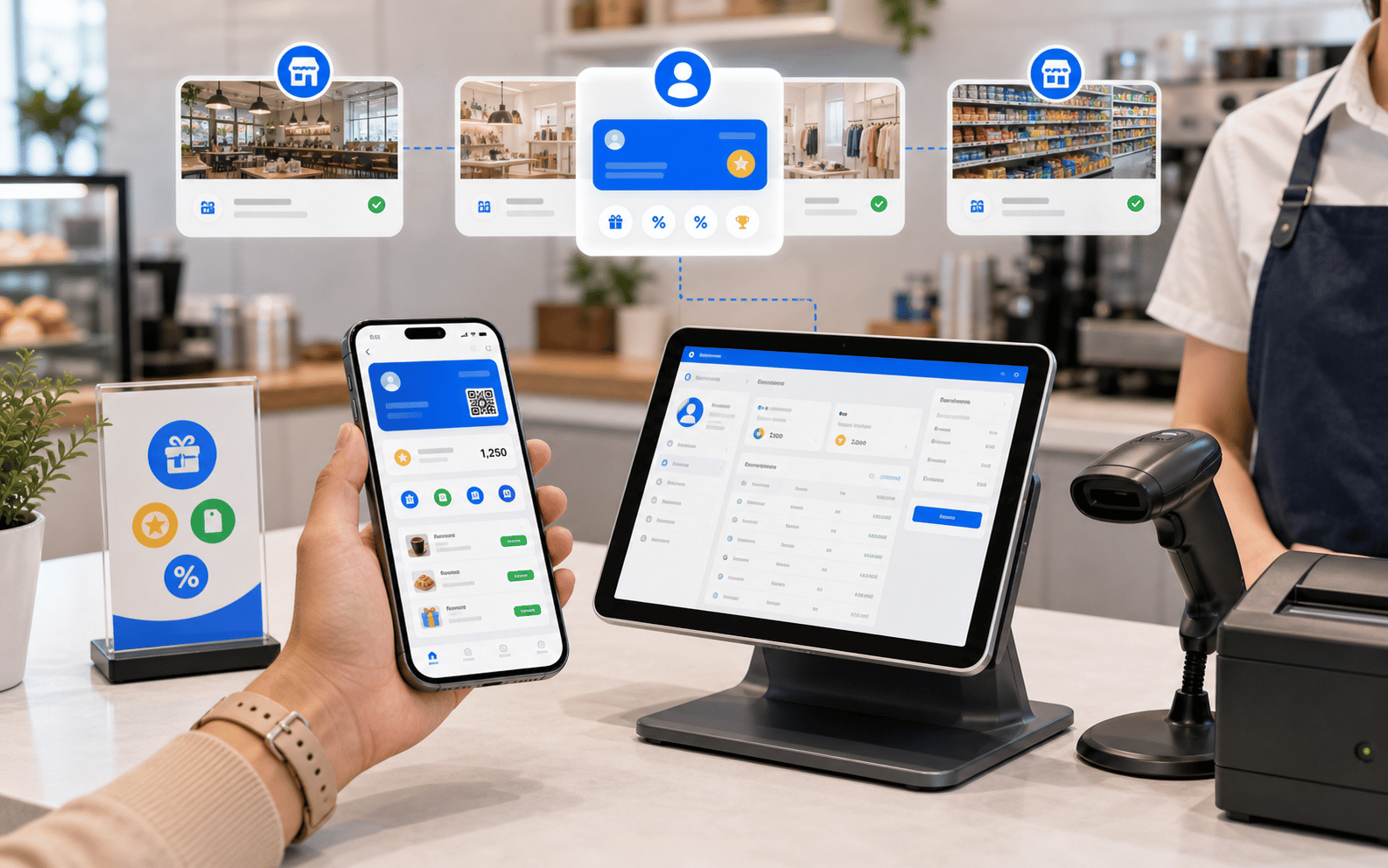
The CRM workflow should help your team decide who to contact, why to contact them, and what offer or quotation should be sent next.
Customer information comes from sales, membership, inquiry or service activity.
Filter customer records into practical groups for sales and marketing.
Set follow-up reminders for calls, visits, renewals, quotations or service checks.
Create a quotation and continue the sales conversation from the customer profile.
These are the practical CRM functions that matter for SMEs using POS and business modules together.
Keep customer contact details, notes, status, purchase context and follow-up information in one place.
Create reminders for quotations, renewals, repeat purchases, service history or sales calls.
Create quotations for customers and keep the quote tied to the sales conversation.
Build customer groups before sending promotions, announcements or reactivation messages.
Connect CRM thinking with POS, membership, loyalty and transaction history where configured.
Give owners a clearer view of customer opportunities, pending quotes and follow-up workload.
CRM is especially valuable when customers ask for quotations, compare packages, book appointments, renew services, or need reminders before buying again.
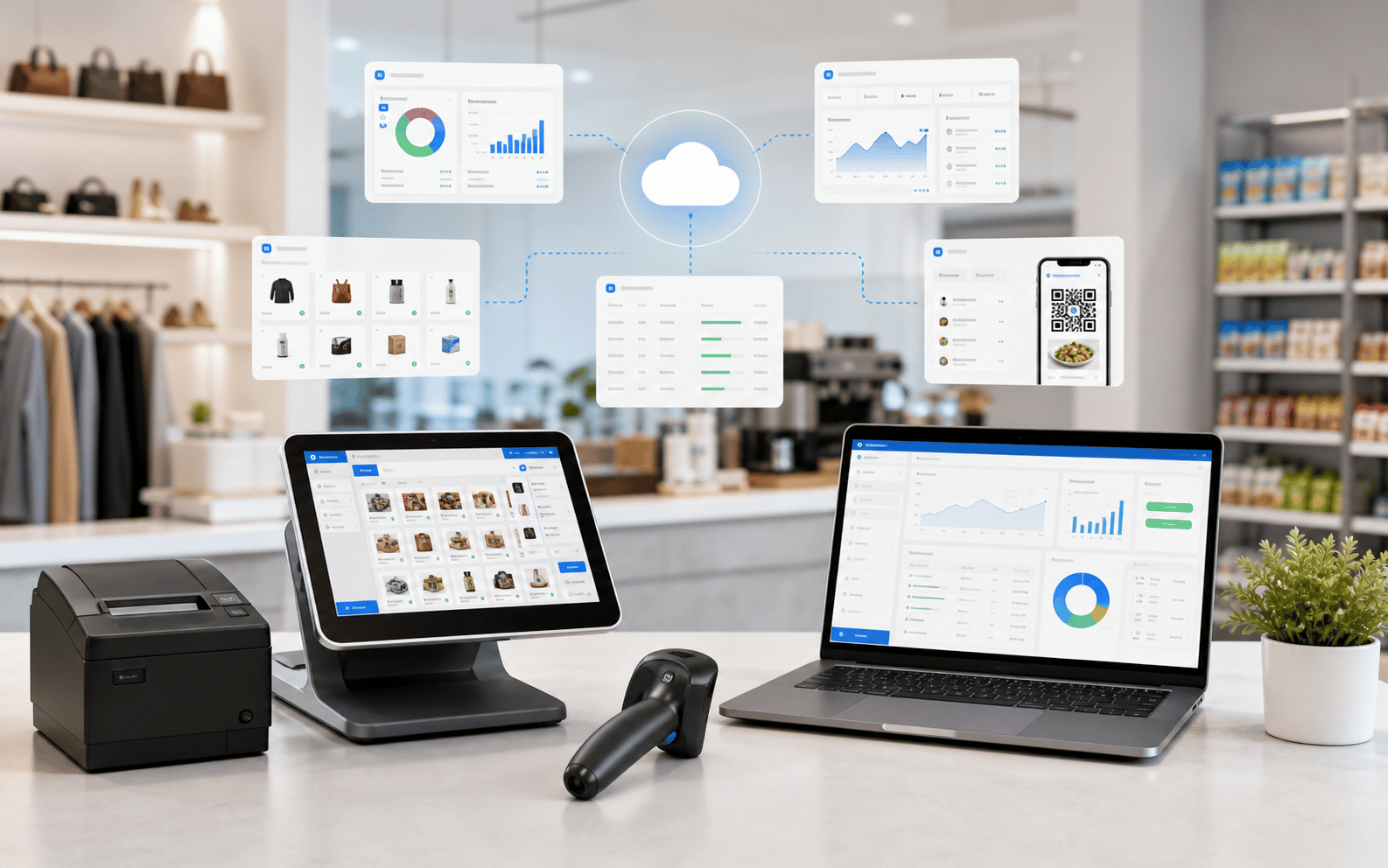
Tell Us What Customer Data You Keep, How You Group Clients, And Whether Your Sales Team Needs Quotation, Reminders or Marketing Lists. We can Recommend The Right Online BMO CRM Setup.