
Step-by-step BMO POS, hardware and HRM video guides
Watch migrated POSMarket video guides for POS setup, hardware setup, BMO POS features, HRM, reports, labels, printers, scanners, scales and daily operation tasks.
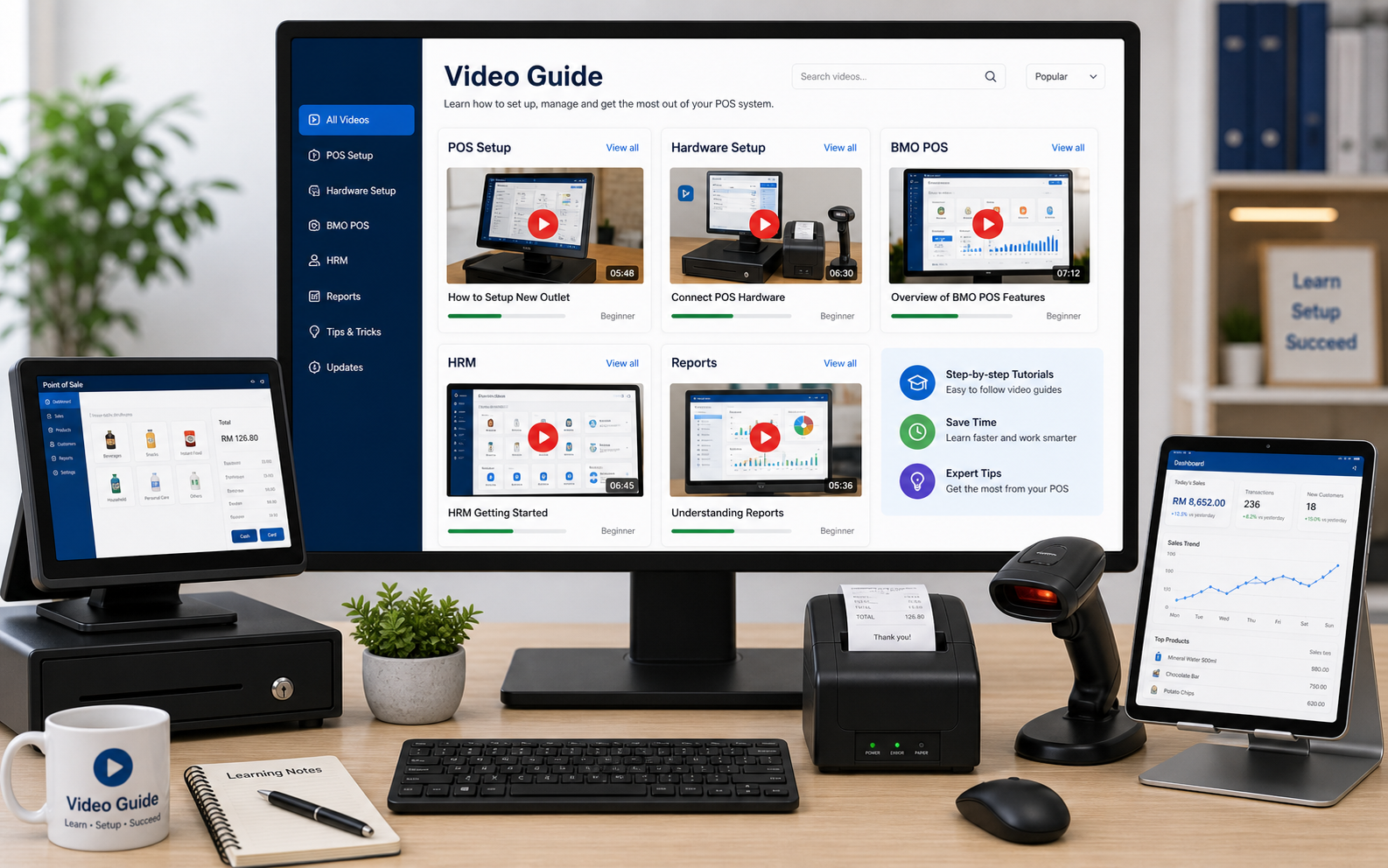
Video library by category
Open the relevant video guide on YouTube. The thumbnails are retained from the existing POSMarket source where available.
BMO POS Feature
Short practical guides for this area of the BMO POS ecosystem.
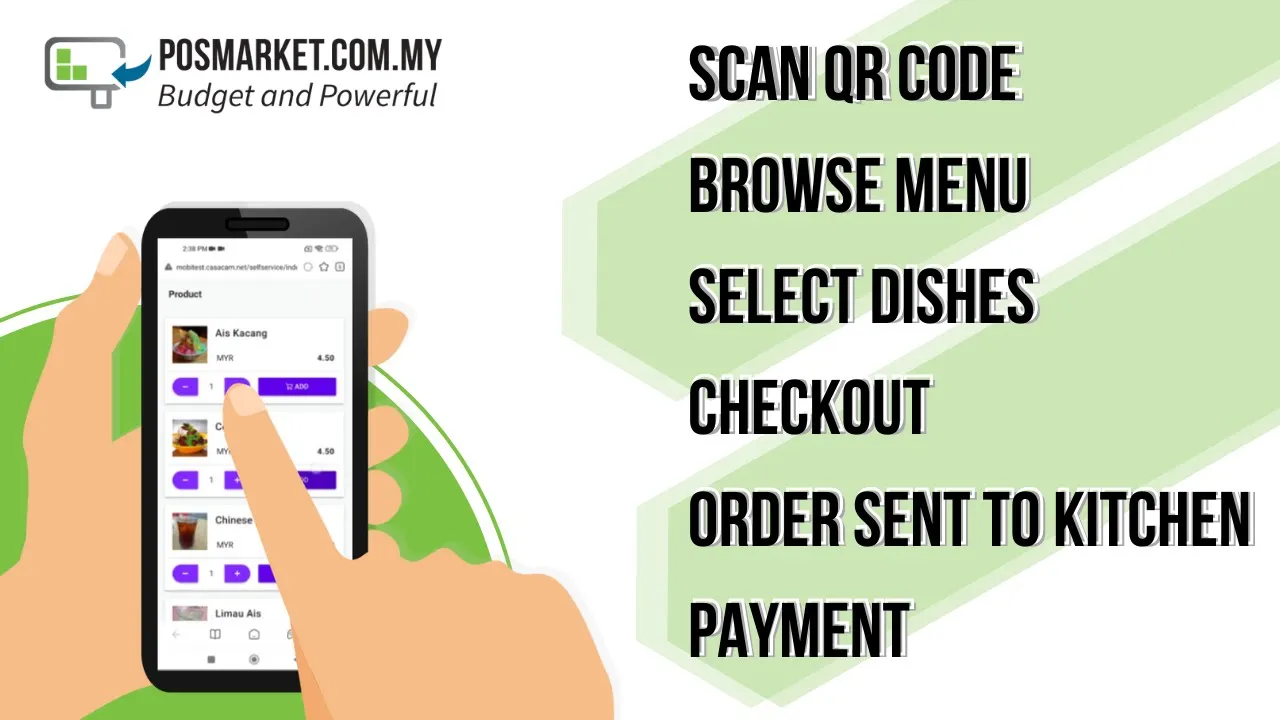
BMO POS QR Order for F&B Industry
Watch on YouTube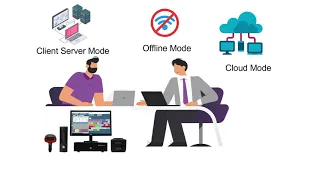
BMO POS Multiple Modes
Watch on YouTube
BMO POS Membership Module
Watch on YouTube
BMO POS Direct Link with 30kg Digital Scale
Watch on YouTube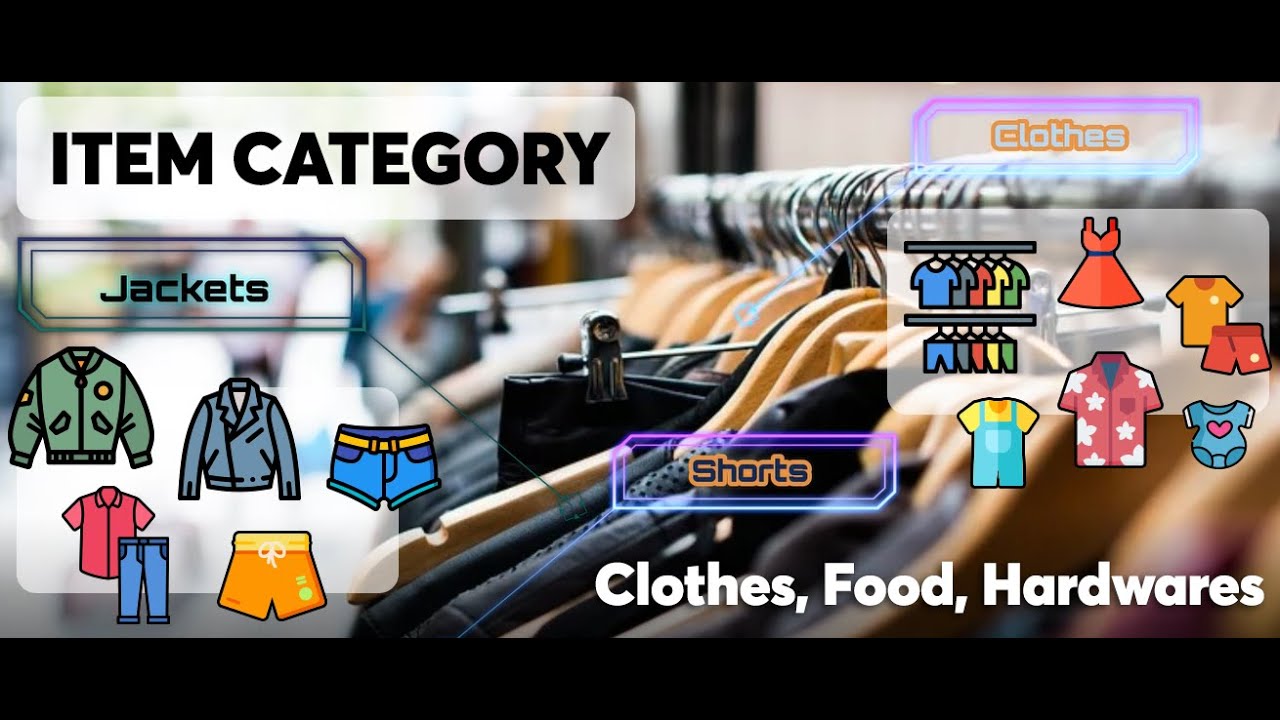
BMO POS Feature - Item Category
Watch on YouTube
BMO POS Feature - Inventory Ingredients
Watch on YouTube
BMO POS Feature - POS Receipt Status
Watch on YouTubeBMO HRM Feature
Short practical guides for this area of the BMO POS ecosystem.
POS Setup
Short practical guides for this area of the BMO POS ecosystem.
Registering Your POS Account
Watch on YouTube
Setting Up an 80mm Thermal Receipt Printer
Watch on YouTube
Set Up the BMO POS License Activation Dongle
Watch on YouTube
Setting Up a Backup Pendrive
Watch on YouTube
Setting Up a Bluetooth Thermal Receipt Printer
Watch on YouTube
Setting Up a Cash Drawer Trigger
Watch on YouTube
Create an Item Category
Watch on YouTube
Setting Up an Offline BMO Account
Watch on YouTube
Create Shop Layout
Watch on YouTube
How to Install POS System
Watch on YouTube
Use the POS Ordering Station
Watch on YouTubeHardware Setup
Short practical guides for this area of the BMO POS ecosystem.
Setting Up a Pole Display
Watch on YouTube
Setting Up a RFID Reader
Watch on YouTube
Setting Up a Weight Scale Machine
Watch on YouTube
Vehicle Registration for Car Services
Watch on YouTube
Weight Machine With Barcode Label Printer
Watch on YouTube
Setting Up a Touch Screen Monitor
Watch on YouTube
1D Omnidirectional Industrial Barcode Scanner
Watch on YouTube
Wireless Laser Barcode Scanner
Watch on YouTube
Mini USB Magnetic Stripe Card Reader
Watch on YouTube
Activate Magnetic Stripe Card Reader
Watch on YouTube
Enroll Fingerprint Reader
Watch on YouTubeReports & Labels
Short practical guides for this area of the BMO POS ecosystem.
Generate a Z Report
Watch on YouTube
Generate an Item Sales Report
Watch on YouTube
Generate a Summary Report
Watch on YouTube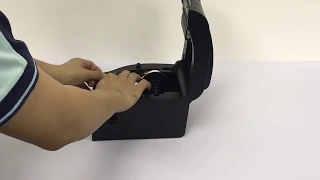
Setting Up a Thermal Barcode Printer
Watch on YouTube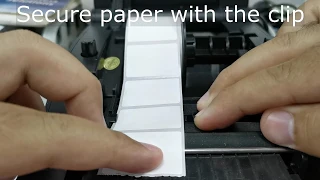
Install Barcode Sticker Paper
Watch on YouTubeUse videos for common steps, contact support for live systems
For POS update, installation, database, printer, scanner or scale setup on a real customer counter, contact POSMarket support before changing a working system.