Confirm file
Check that the selected file matches the software or driver you need.

Submit the request form below. Google reCAPTCHA v3 will verify the request automatically before the selected POS Software file downloads.
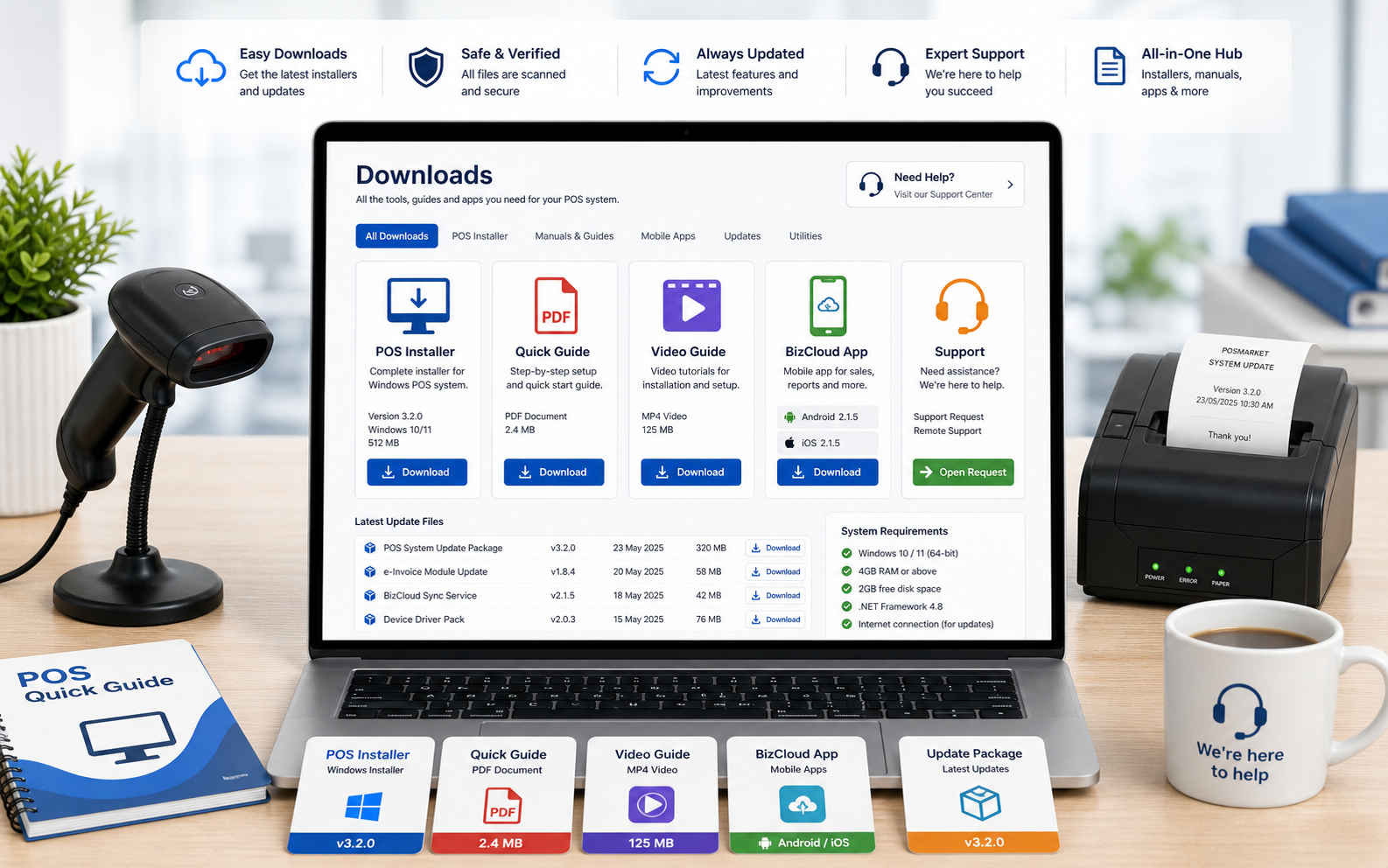
Select the required file, fill in your details and click Download. reCAPTCHA v3 will run automatically in the background before the file starts downloading.
Before running an installer or replacing a driver, confirm that the selected file matches the POS terminal, Windows version and hardware device in use.
Follow these steps to continue the selected POS software file download safely.
Check that the selected file matches the software or driver you need.
Enter your name, phone, email and company information.
reCAPTCHA v3 checks the request automatically before the download starts.
Click Download to continue to the existing POS software download process.
Share your POS version, Windows version, hardware model and what you need to install. The support team can guide you to the correct installer, manual or driver.